Self Study and Tutorial - Devlog 02
Self Study:
Creation of a 3d humanoid character
My first task was to create a simple humanoid in Blender, which I would later rig up and animate.
I decided to opt with making several separate parts for the head, body, snout, arms and legs, and then join them all up later.
Creation was relatively simple, as can be seen in the images, and involved adding various shapes (cylinders, cubes, spheres etc.) and then modifying them. 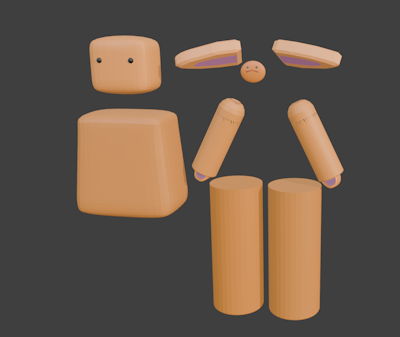
(Image 1a - Various parts I made for my character)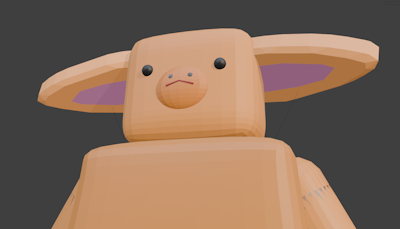
(Image 1b - Close up of it's adorable face and ears!)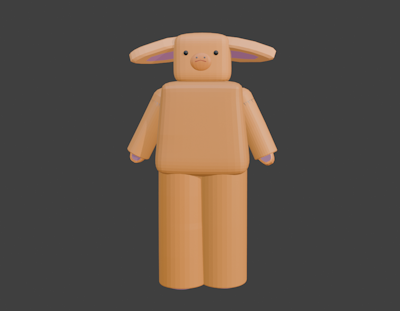
(Image 1c - My finished humanoid / Catamoid character)
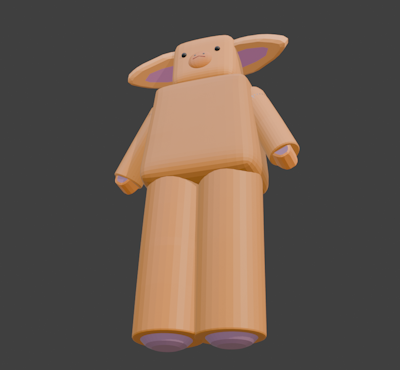
(Image 1d - Upward angle to show that indeed it does have little feet / hooves!)
The results were great, as I wanted to create a more chunky style creature with large floppy ears.
The only question left was: "is this character suitable for my tourist attraction?"
And the answer: Okay probably not, but look at him!
Rigging the character (adding bones)
Now that I had made my Catamoid, I needed to rig it up in order to animate it, and this required adding bones. However, as I had never used blender before, this task actually took quite a long time!
I did make use of the mirror function in order to help speed up the process as my character was horizontally symmetrical.
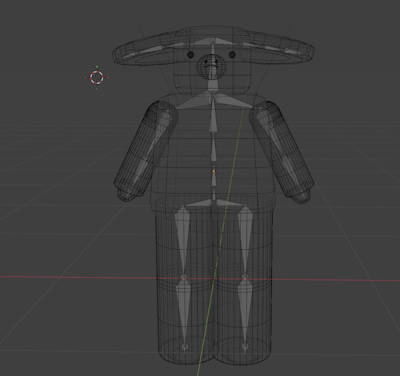
(Image 2a - Finished bone structure for my Catamoid. The ears needed three bones to account for extra flop!)
Animating the character
For this section we were required to make 3 basic animations: Idle, Walk and Wave (Although I decided to go for the dance option). I found this to be a somewhat similar process to what we did in KIT109 when creating 2D animations.
The layout does have differences in Blender, but basically we had to record while we moved the character into different poses by adjusting the bone placement.
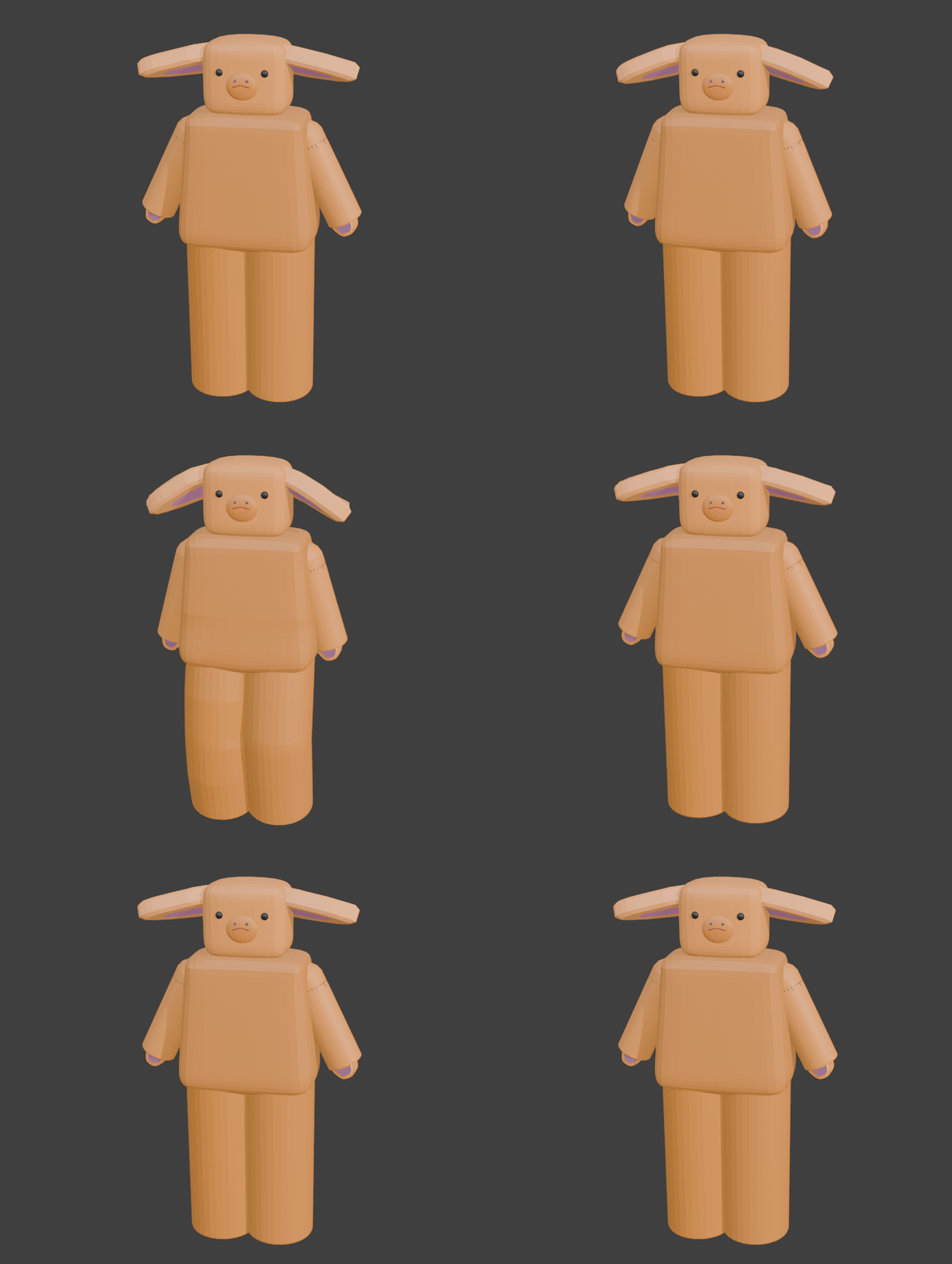
(Gif 1a - Idle animation with special emphasis on ear flops)
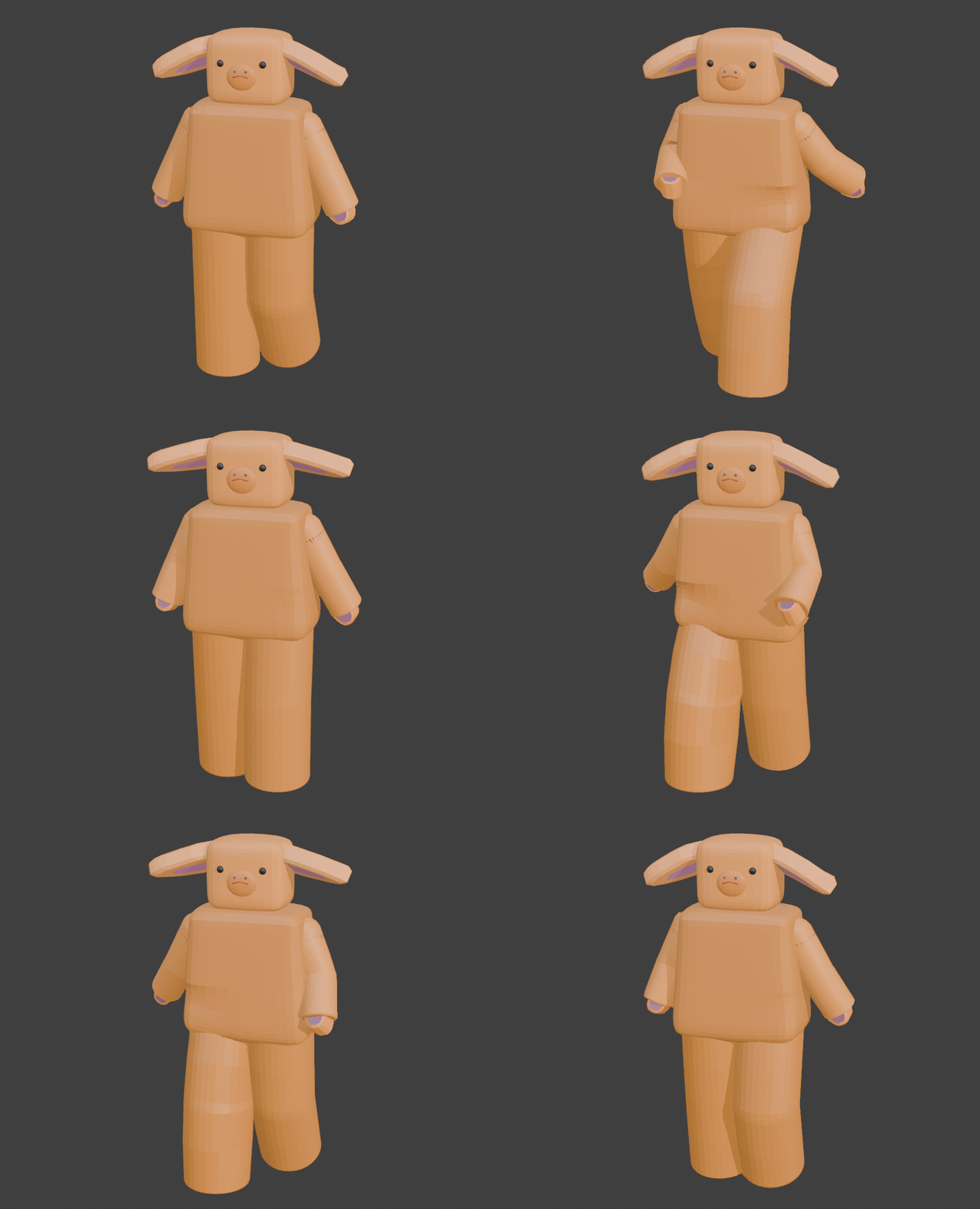
(Gif 1b - Walking animation)
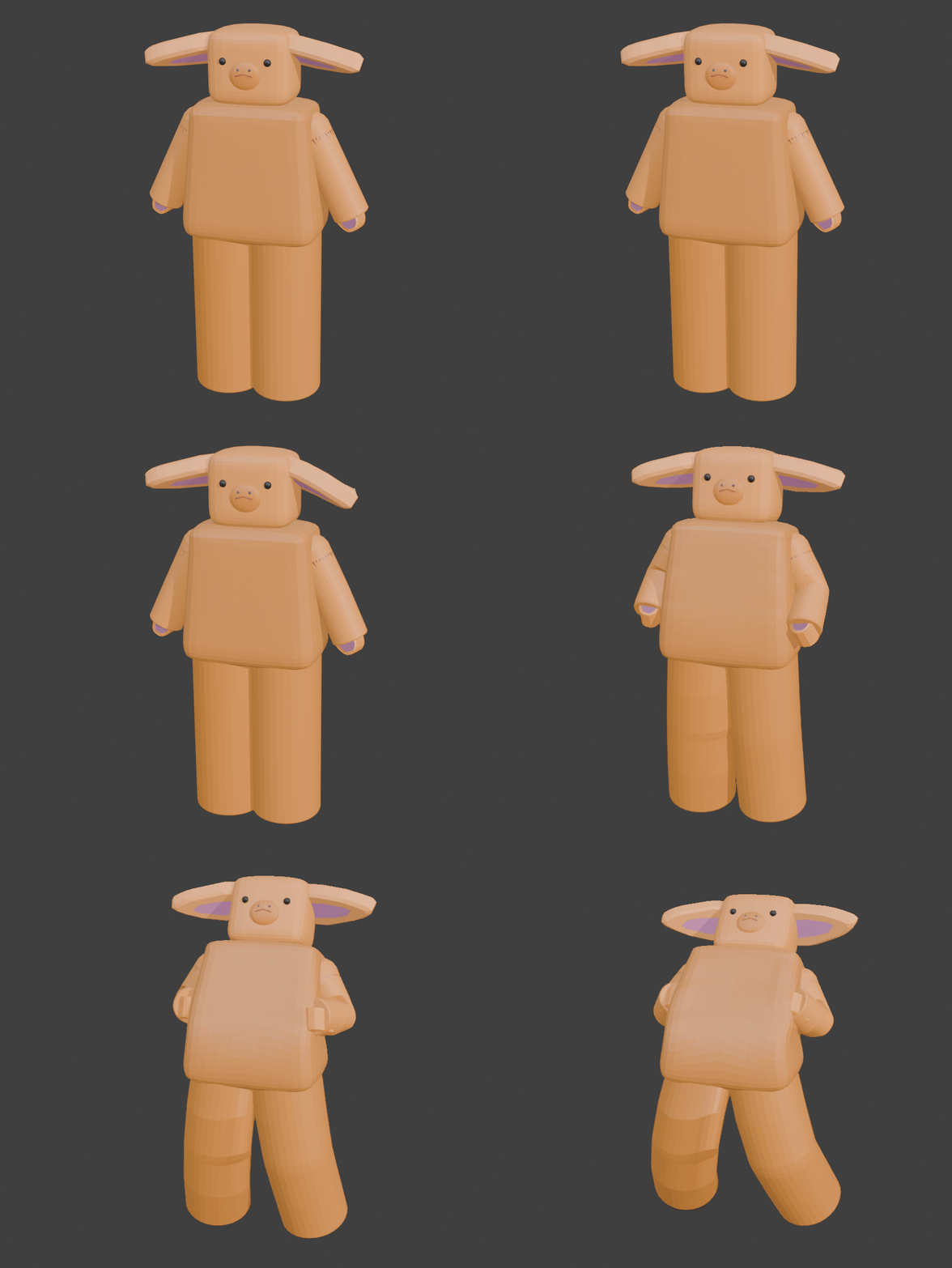
(Gif 1C - Leaning back animation)
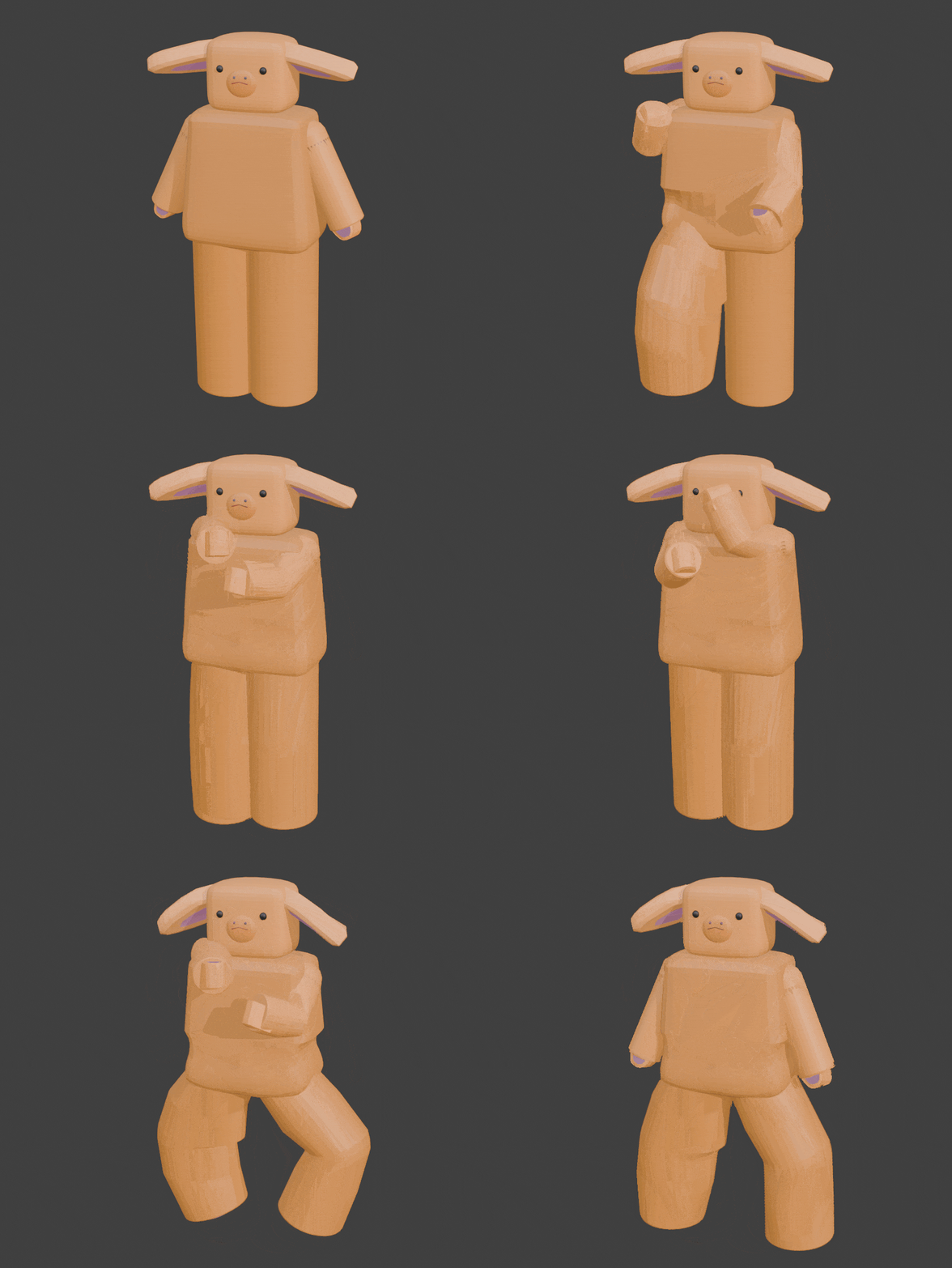
(Gif 1D - Dancing Animation)
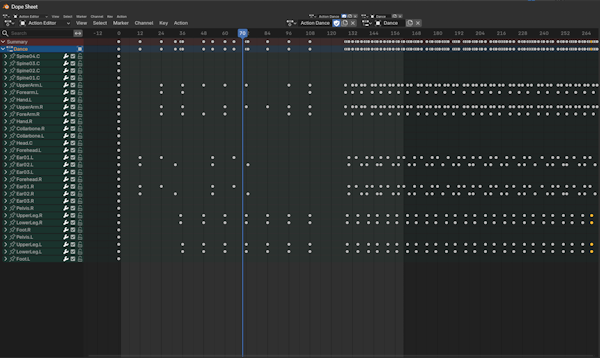
(Image 3a - Dope Sheet In Blender required to perform the Dancing animation)
Weight Painting
One area which took me a long time to figure out was weight painting! When I moved the ears, or legs or arms, sometimes it would completely distort the character.
Eventually, I was able to learn about how to resolve this by looking at how different meshes were connected to other meshes and arranged with weighting. For example, for the ears, I didn't want any connection to the head when they moved, so i completely removed the weight connection to the head altogether!
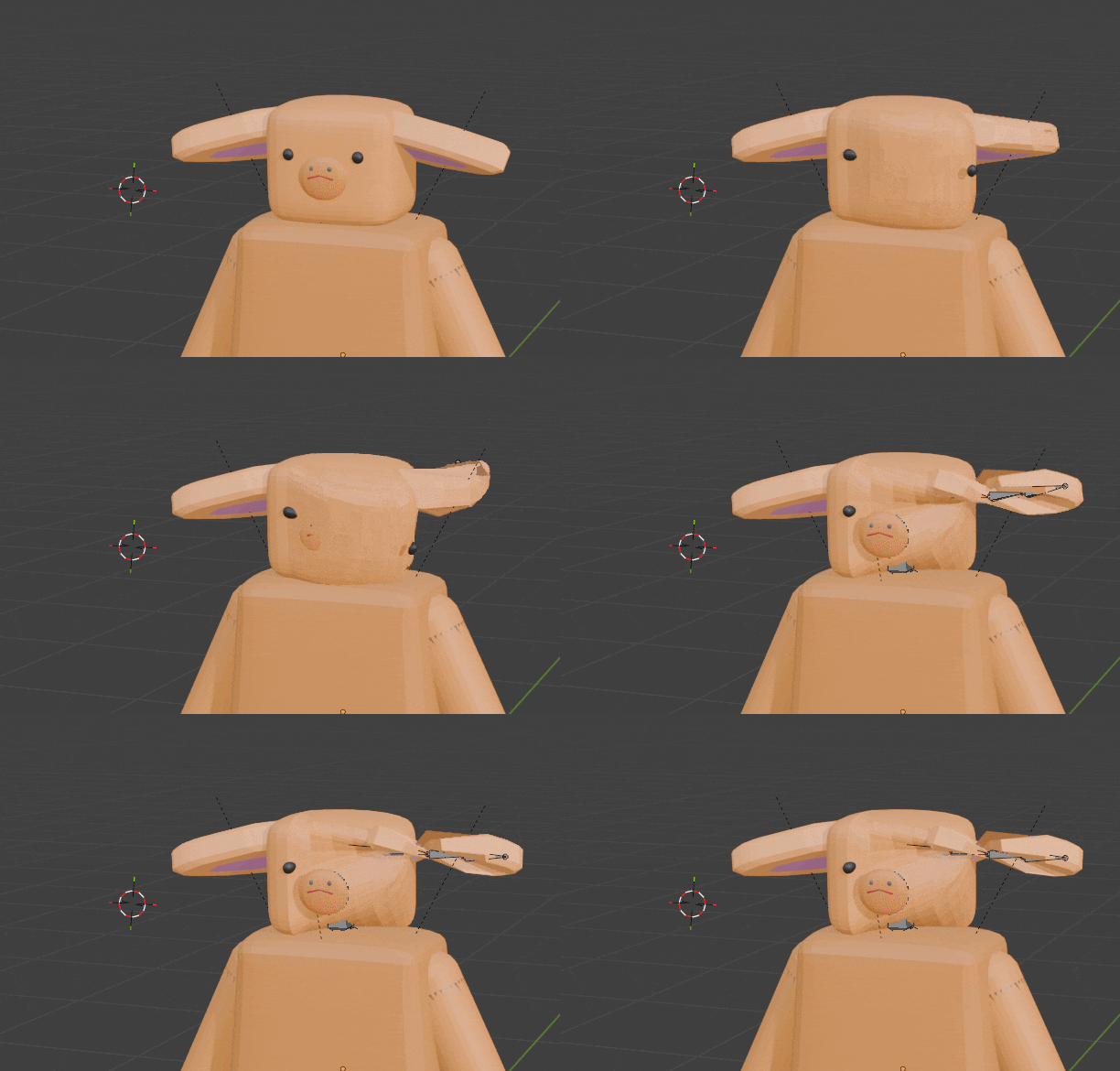
(Image 4a - Example of how the character distorted when I didn't have my weight painting setup correctly)
Tutorial
Adding and controlling my character in Unity
Firstly, I imported my Catamoid blender model into Unity. I then created a basic script to control them by following the tutorial and using the new Unity input system (which I am previously familiar with from KIT109).
This allowed me to not only use the keyboard to move the character around, but I could also control them with a gamepad smoothly.
Of course, there were also the usual additions in the scene such as rigid bodies, colliders etc. in order to make the character interact with the environment correctly.
Adding animations that were triggered by controls
Firstly, I setup the animations so that the character would "idle" when doing nothing.
I then decided to have four animations connected to the controls: Walk, Run, Lean Back and Wild Dance. I used a boolean parameter setup for Leaning and Dancing, and a float parameter setup to control walking and running.
I had to edit some of the animations in blender again, and play with animation speeds to make movement look more natural. In the end though, I was quite happy with the results!
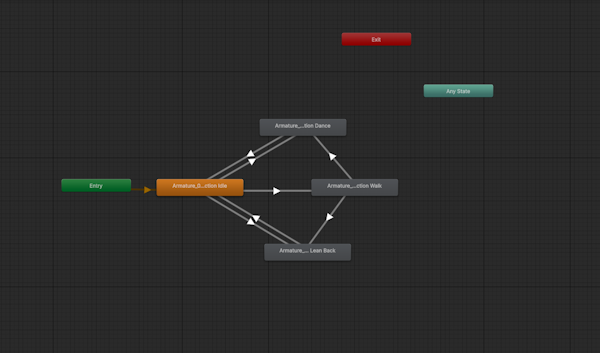
(Image 5a - The animator controller in Unity that handled all my character's actions)
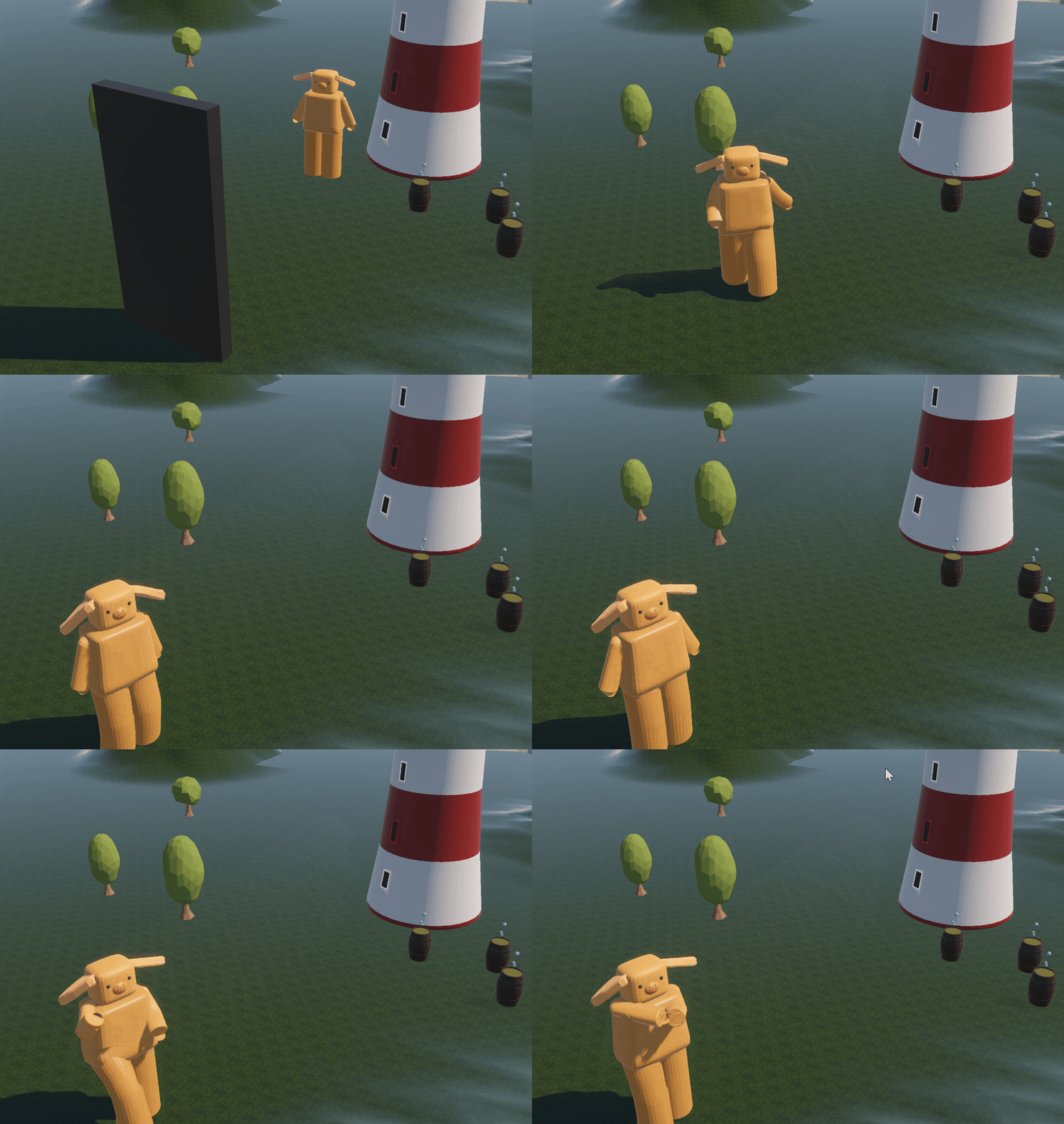
(Gif 2a - Character walking, running and triggering a doorway... then celebrating)
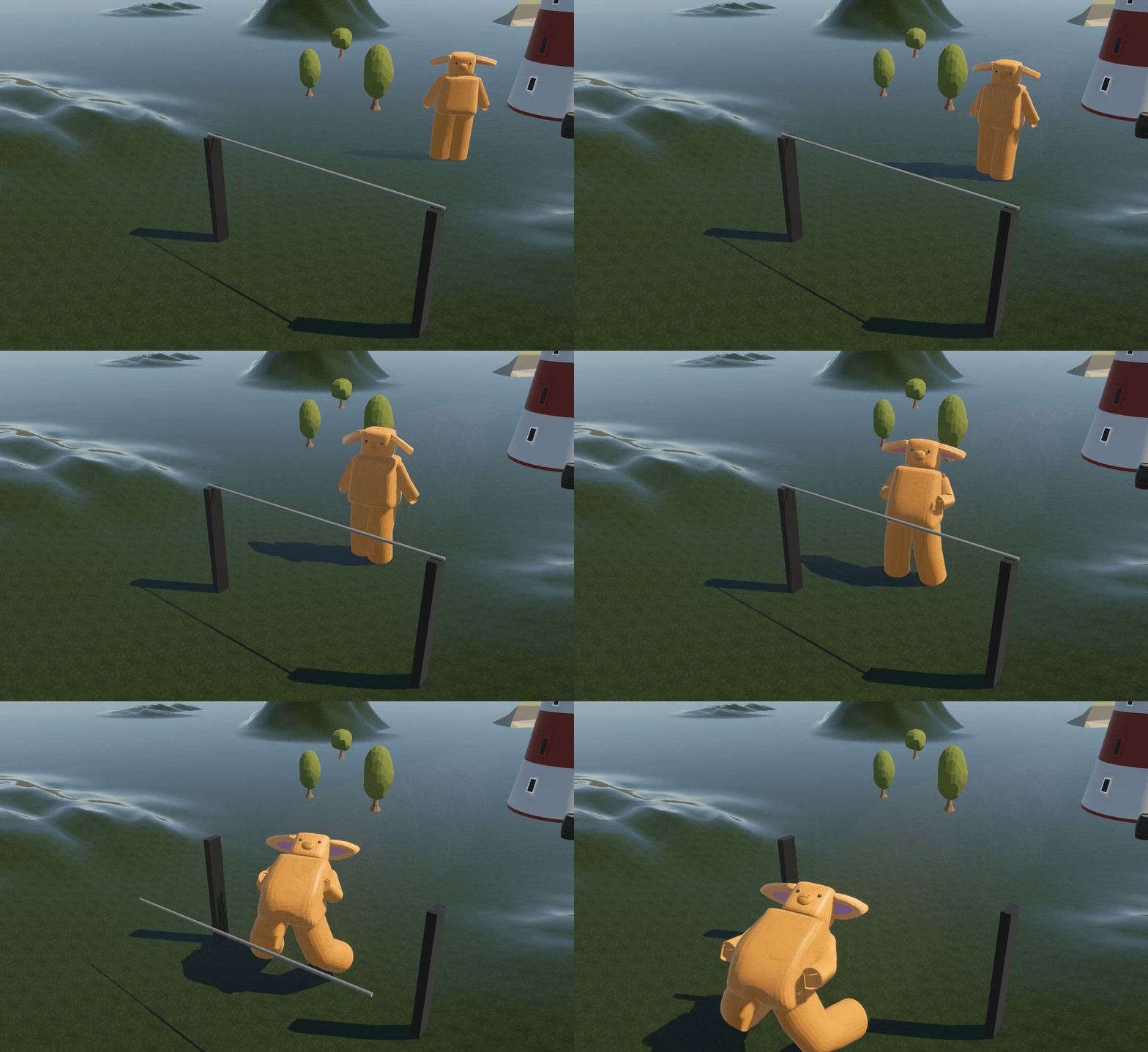
(Gif 2b - Catamoid attempting a limbo dance!)
That's it for this devlog!
Leave a comment
Log in with itch.io to leave a comment.