Clone mode is working great on Linux. I assume glass mode is not currently possible in Linux since the option is greyed out. Saw some saying they're having trouble getting this application to run on Linux. In case any of those folk check the comments here, remember that this requires installing DX11 in Windows so for wine you'll need to install DXVK.
At 1:1 pixel quality, It works great for Deltarune, Sonic Adventure 1 ’n 2, and Omori! It reminds me of camp, when we had modern concles, but not so modern games :]
One of the best software I eve used! :D Nostalgia hit hard with this one! I have one request tough. Is it possible to make the yellow frame of fullscreen black? It would be amazing if I could hide it. Thanks again for this amazing application!
For people having troubles with OBS, try enabling SLI/Crossfire capture in the property window. Maybe this should be added in the documentation! Anyway, really nice app. I will definitely use it for all my videos !
This app is really cool, the ultimate for watching SD content or playing pixel art indie games. Better than reshade as it has access to retroarch's superior shaders.
I just wish we had one thing: * a "CUSTOM" pixel size setting that lets us input an exact resolution to downsample to/simulate. Some games and content don't fit the 1x, 2x, 3x, 4.5x etc system. Also, when we pick one of those-- it doesn't tell us what resolution is being simulated either. I would like to input , say, 640x360 and it will downsample and simulate that exact resolution. Same with 480x240, or weird games like Blazing Chrome or CrossCode which use very unique 'internal' resolutions. Would be nice if the preset ones we have now also told us somewhere what resolution is being simulated (as it can vary based on content being cloned).
This is such an incredible tool, I can assure you that everyone in the retro gaming community was waiting for something like it! I hope a Linux/Wayland port of this comes up in the future too, as per the advent of the Steam Machine and Steam Deck ecosystem <3
← Return to tool
Comments
Log in with itch.io to leave a comment.
Awesome app. works like a charm on windows 10 22h2
Clone mode is working great on Linux. I assume glass mode is not currently possible in Linux since the option is greyed out. Saw some saying they're having trouble getting this application to run on Linux. In case any of those folk check the comments here, remember that this requires installing DX11 in Windows so for wine you'll need to install DXVK.
Is there a way to apply Shaderglass to a video/image and export the result?
For image you can use built in Take Snapshot function, for video you'll need to recapture using OBS.
I used shader glass and instantly topped the leaderboard on my favorite retro game. Coincidence? Maybe...
mac version pleaseee!!!
Can you make a mac version?
At 1:1 pixel quality, It works great for Deltarune, Sonic Adventure 1 ’n 2, and Omori! It reminds me of camp, when we had modern concles, but not so modern games :]
it doesnt work that good on deltarune, tricky toby loves his mixels
Is there any way to allow this software to allow transparency when uploading a file and taking a snapshot?
One of the best software I eve used! :D Nostalgia hit hard with this one! I have one request tough. Is it possible to make the yellow frame of fullscreen black? It would be amazing if I could hide it. Thanks again for this amazing application!
Just downloaded this from steam, i love it but it has so many presets, trying to find the sega genesis preset now to see if my sprites look authentic
Any chance to get this app to the android? Android handheld gaming is growing up and this is essential for any retro gamer on any platforms!
I think the border might cover up a third of the screen (yes this image was generated by ai)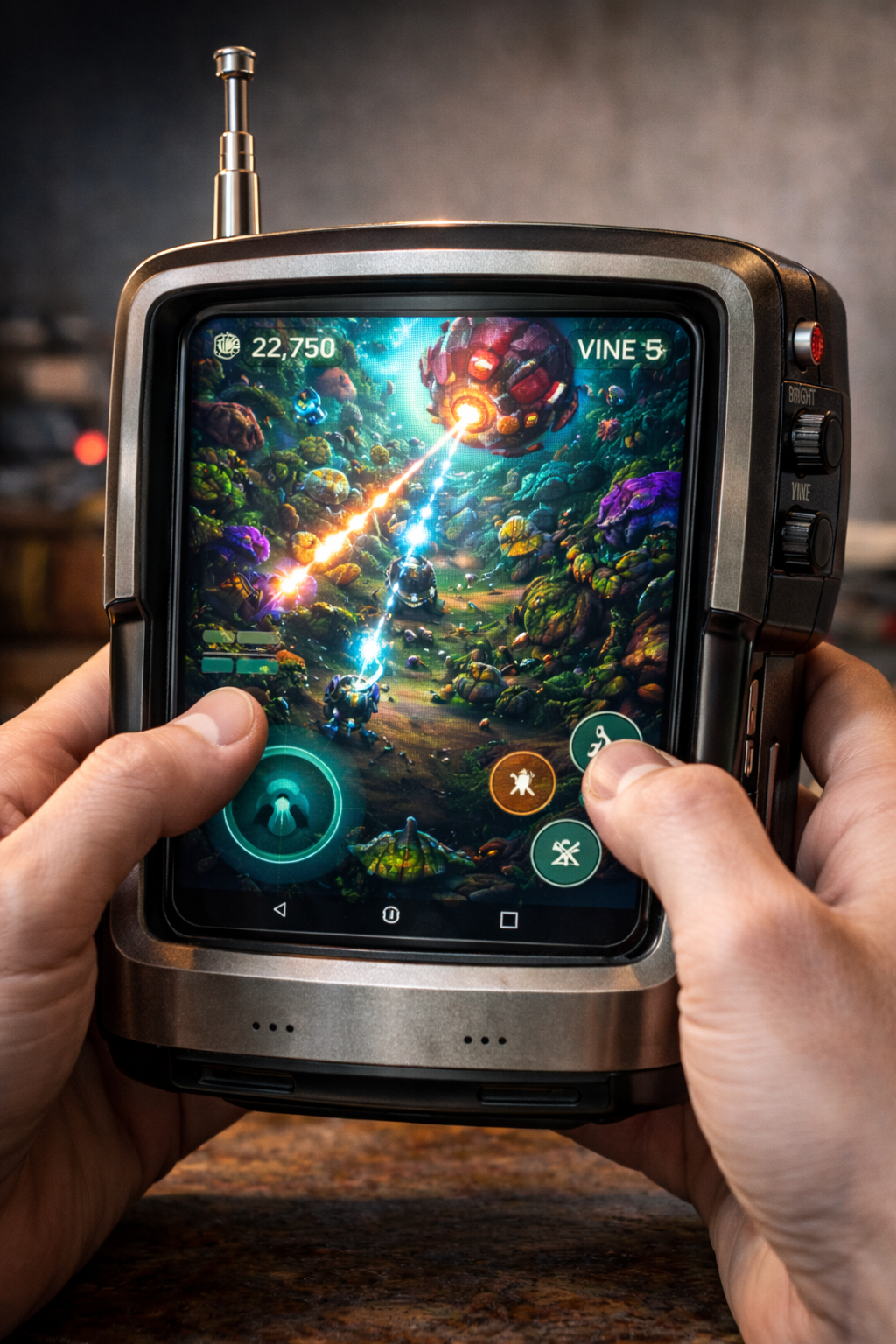 vs simply just
When I start the program, a black window appears... What should I do?
Are on an old version of Windows 10 by any chance?
try messing around in the settings, like just changing what window it's focused on
this is the only thing that makes me jealous of windows users right now.
Having a crt filter for everything you do on your pc sounds so sick....
You and me both, I made my own crt viewer for linux meanwhile, still waiting for ShaderGlass Linux https://luxae.itch.io/lux-crtinted-glasses/devlog/1187645/shaderglass-weird-linu...
For people having troubles with OBS, try enabling SLI/Crossfire capture in the property window. Maybe this should be added in the documentation! Anyway, really nice app. I will definitely use it for all my videos !
This app is really cool, the ultimate for watching SD content or playing pixel art indie games. Better than reshade as it has access to retroarch's superior shaders.
I just wish we had one thing:
* a "CUSTOM" pixel size setting that lets us input an exact resolution to downsample to/simulate. Some games and content don't fit the 1x, 2x, 3x, 4.5x etc system. Also, when we pick one of those-- it doesn't tell us what resolution is being simulated either. I would like to input , say, 640x360 and it will downsample and simulate that exact resolution. Same with 480x240, or weird games like Blazing Chrome or CrossCode which use very unique 'internal' resolutions. Would be nice if the preset ones we have now also told us somewhere what resolution is being simulated (as it can vary based on content being cloned).
Hopefully we can get something like this!
This is such an incredible tool, I can assure you that everyone in the retro gaming community was waiting for something like it! I hope a Linux/Wayland port of this comes up in the future too, as per the advent of the Steam Machine and Steam Deck ecosystem <3
I have a problem where my screen gets a yellow border when i use the app, any idea what is causing this? (Windows 10)
Only Win 11 allows removing yellow border, there are some workarounds on Win 10 but limited, check the docs and FAQ.
question: what level of retro_palettes is perfect for pizza tower cyop?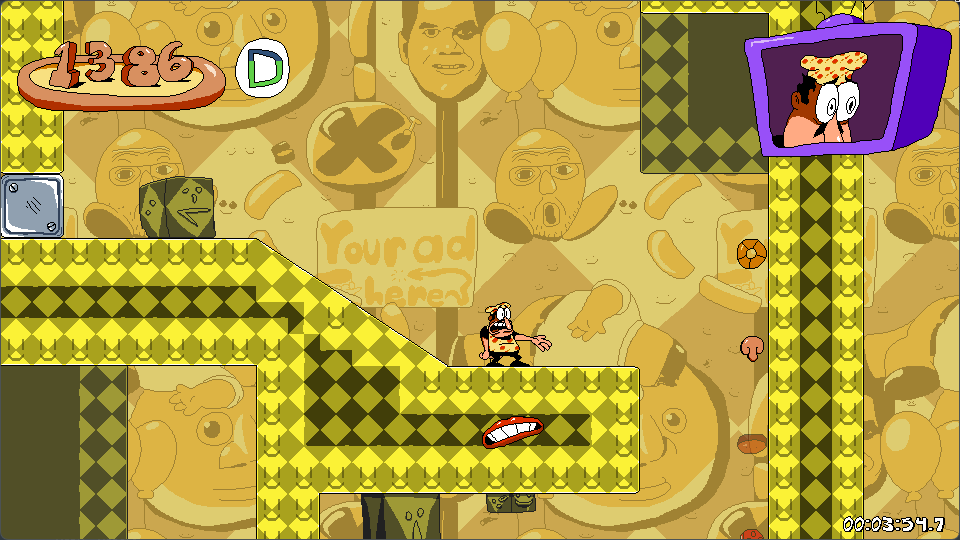
Is there a linux version in the works? i just dove away from Win11 and this would be perfect!
bro it looks like i am using windows 11 on a old Monitor