Sinonatrix overhaul#5106
Conversation


|
Wonderful job! |

|
Right, I totally forgot about that. Thanks for the heads-up. |
|
Either way works I guess, but if you want my opinion I would put it here so that it's easier to see that we indeed made the change and not just rebalanced the old Sinonatrix by accident. (Of course commit messages are for that, but for the github ui I mean) P.S. I'm not the github expert, I just didn't want to leave unanswered. |

|
If you want the first pattern but with a different base color, you can do an inverse version of the other pattern, so the lines are white but the rest of the ship is the random color. Cleanest way to do the pattern is entirely in the Alpha. Make the RGB value the same across the entire texture, then put the patterns in the Alpha channel. That will prevent any color bleeding due to the DDS compression, and the design can be more antialiased using blur in the Alpha. It's how I did most of the pattern updates I made and posted on the forum -- most of which were never implemented into the build (which still has some outdated versions from before I'd perfected this technique). I probably have more textures done that I never bothered posting too, actually! The only difficulty is if you want two pattern colors to touch each other. That will have the compression artifacts no matter what you do. |
|
Hm, I did not thought about having it inverse. Neither to do AA with the alpha. I'll try. Thanks. |
|
I've never figured out how to use GitHub really, so couldn't. (Probably would be good if I did considering all the personal edits I make to the game's text for more varied, appropriate wording of characters, and all the corrections of bad punctuation.) I have more ground station patterns too. But yes, doing it in the Alpha also allows for more realistic "weathering" effects. Instead of the old ones where there's just paint or no-paint, by using Alpha gradients the paint can appear "worn" around the edges but not completely gone. |
|
Gonna download this and play around in the model viewer... |
|
Note that the red and green lights on the bottom of the ship are in the opposite positions on the glow texture. I've just fixed that. Will send to you. |
|
Now that I think of it, it makes sense that the green and red were mixed up. I've first accidentally baked them up top, and then mirrored them in the texture. That's where the mixup happened. Thanks for spotting it. |

|
Did a bit with it. I'm not so sure pattern01 is an improvement much -- just different in places. Pattern02 has new colors in different places and a lot of little details (non-colored inside little greebles; colored portions of the landing gear, etc.). Fixed glow texture also. http://www.keeper1st.com/pioneer/sina2pats.zip |
|
@Keeper1st Thanks! Nice idea with the three colors for the different areas. Also, I'm marking the PR WIP, because I just noticed some really ugly compression artifacts on the normal map, and I want to try to fix them. |

|
You could keep the normal maps as png. There are ways to do copressed normal maps but we'd have to add support for them. |
|
My files are larger because they are saved with mipmaps; yours were not. Does Pioneer not use mipmaps? or do you rely on the player's machine to create mipmaps on the fly (probably CPU intensive, I would guess)? I've updated the above zip, taking out the modified glow since you're fixing that from the master image, but including a corrected pattern02 (I had the docking ring getting colored -- BTW there's some mapping issues on the little flaps around those side docking port things; you'll notice bits of them are black), and adding two new patterns, pattern03 and pattern04. Nothing too fancy though I did harken back to the three-stripe motif on pattern04. |
|
Pioneer does use mipmaps |
|
I thought Compressonator generates them, but then it seems it doesn't. @Keeper1st What are you using for dds conversion? |
|
The nVidia DDS plugin for Photoshop. |
|
Oh joy. No PS for me. Gimp it is then. I hope their plugin is still functional. |

|
@nozmajner GIMP (on my linux system at least, out of the box) has native support for DDS export including mipmaps, cubemaps, and more. We generally want to use DDS textures as they are very fast to load into video memory, whereas PNG files have to be uncompressed on the CPU into raw pixel arrays (bitmap images, basically) and use significantly more video memory, on the order of 4-8x the size of a DDS file on disk. I will (eventually) look into implementing support for BC7 or DXT5n formats which store normal map data in a less artifact-prone fashion, but I would highly recommend that for now you at least update your files with mipmaps - I was noticing a few issues with the sino when I tested it that would definitely be attributed to a total lack of mipmaps 😄 Generating mipmaps in GIMP produces much higher quality results than relying on the OpenGL driver to do so - at best, the GL driver will do a simple linear downsample, whereas doing it offline in GIMP will use a higher-quality algorithm. |
|
@nozmajner The Compressonator does generate them, but you have to tell it to do it from the menu before you save it. It won't do it automatically, there some quality options that it gives you as well. |
|
Thanks @fluffyfreak ! I found it. |
|
I've added two more patterns, and the inverted version of them. I think it is ready for offblast. |


|
Wow they look amazing! |
|
@nozmajner ok the ship looks great, flies nicely, all that's good. However whenever I fire the shot goes of backwards, downwards, and to the left 🤷♂️ |
|
It seems that problem doesn't have an issue, but it's a problem with the slight autoaim. It fires properly if you have a combat target. And thanks, @fluffyfreak :) |
|
ah yes of course, I forgot about that one 🤦 in that case it's probably fine to merge as it was the only issue I found when testing 👍 Really good looking ship @nozmajner |
|
It was supposed to be fixed on master, but it looks like I never actually pushed the commit. Will get that pushed up sometime today/tomorrow. |
|
Did you remember to get the updated version of the patterns I made (with two additional patterns included)? The original version of the ZIP that I posted had some errors like coloring the docking port, and while I was at it I located the front antennae and made sure those are patterned appropriately (just the base colored, or just the antenna, for example -- note some of your patterns in the above pictures have stripes like on the antenna itself in the front -- something to correct). |
|
@Keeper1st Yes, I included some of them. I decided against a few. The one that ended the coloring and the side bevel of the fuselage for example, that one looked a bit out of place. |
|
Lemme nag a bit about this one :P :) |


5 participants


TODO:
Finally I chomped through it!
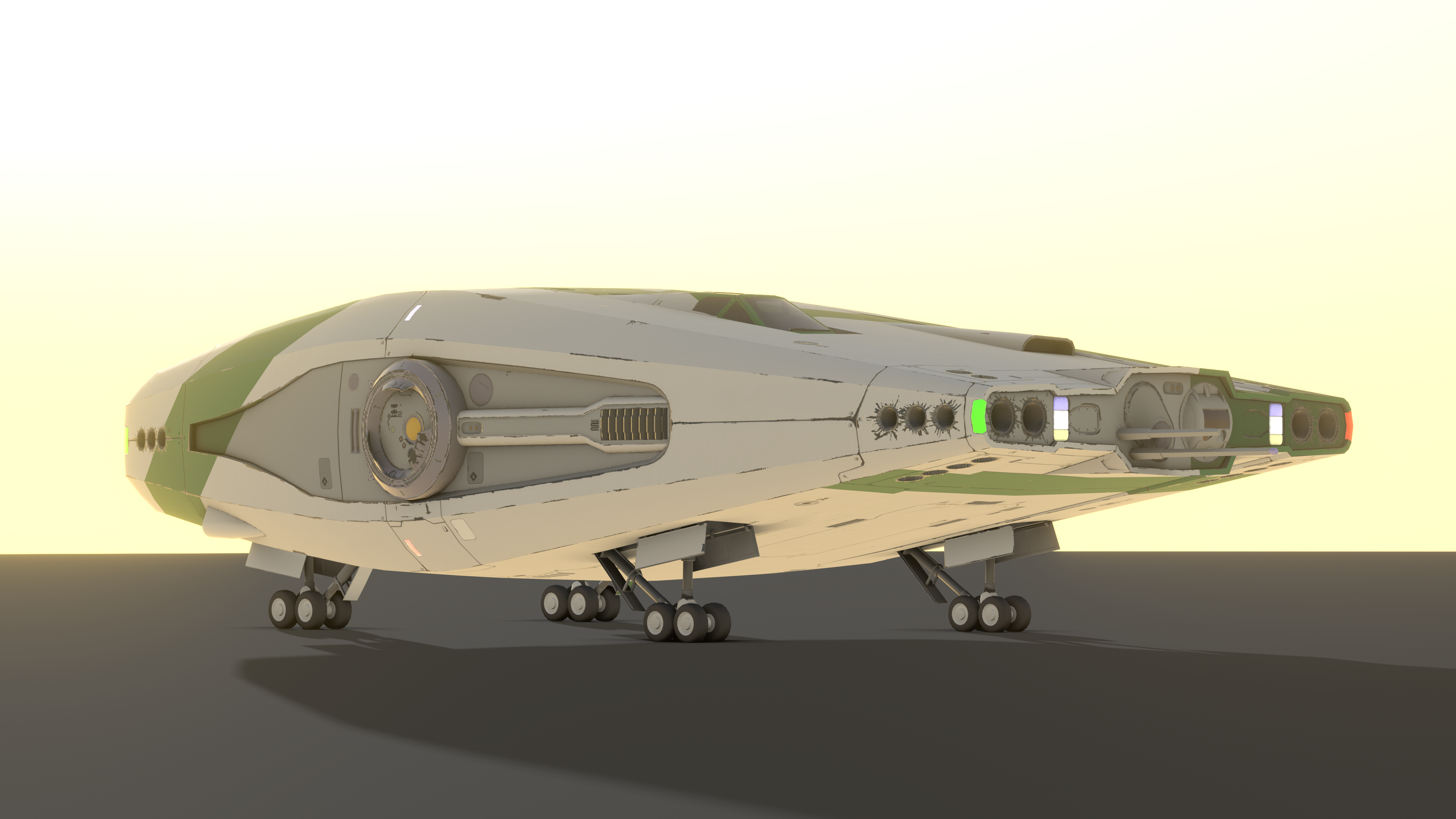
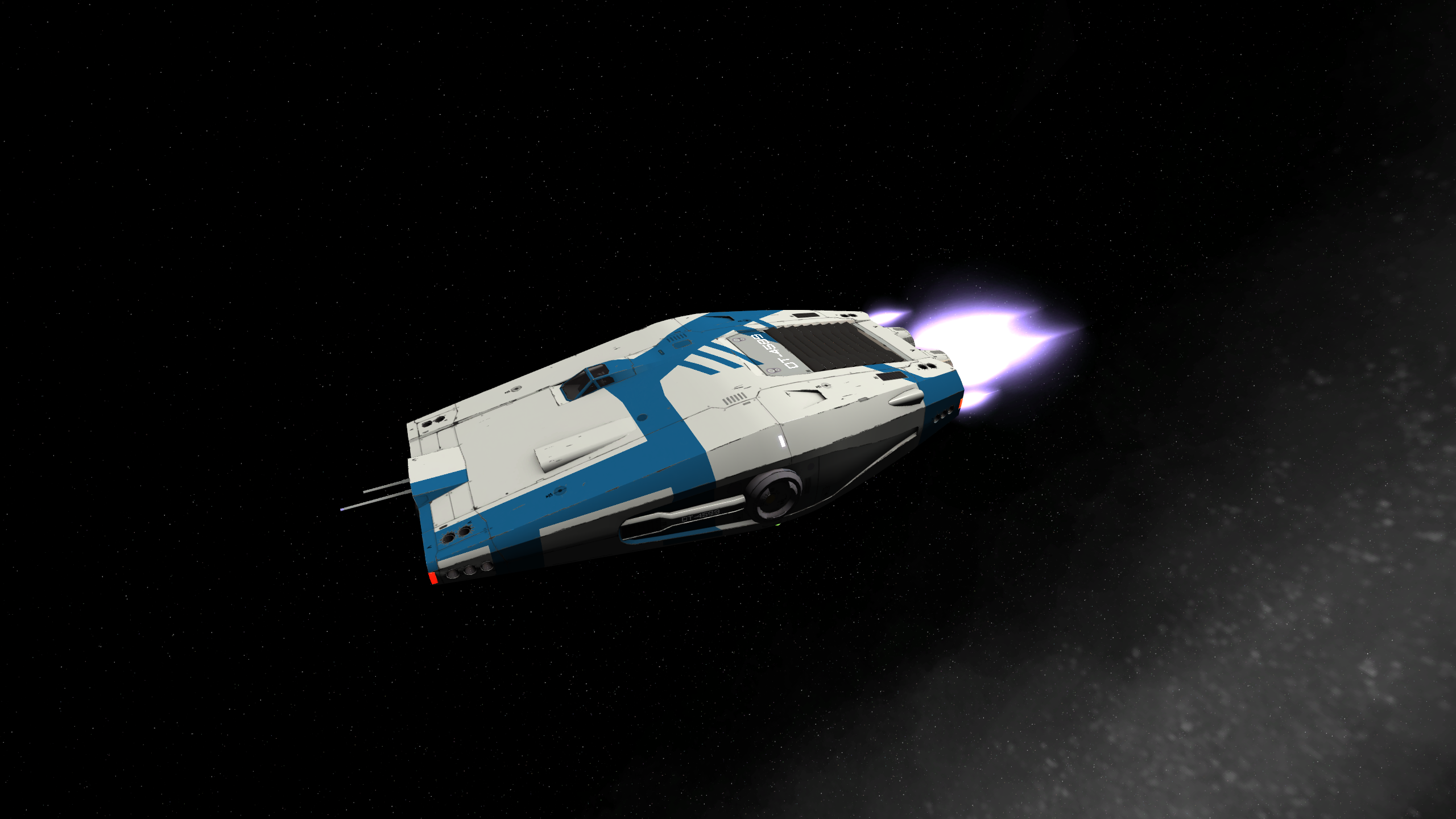
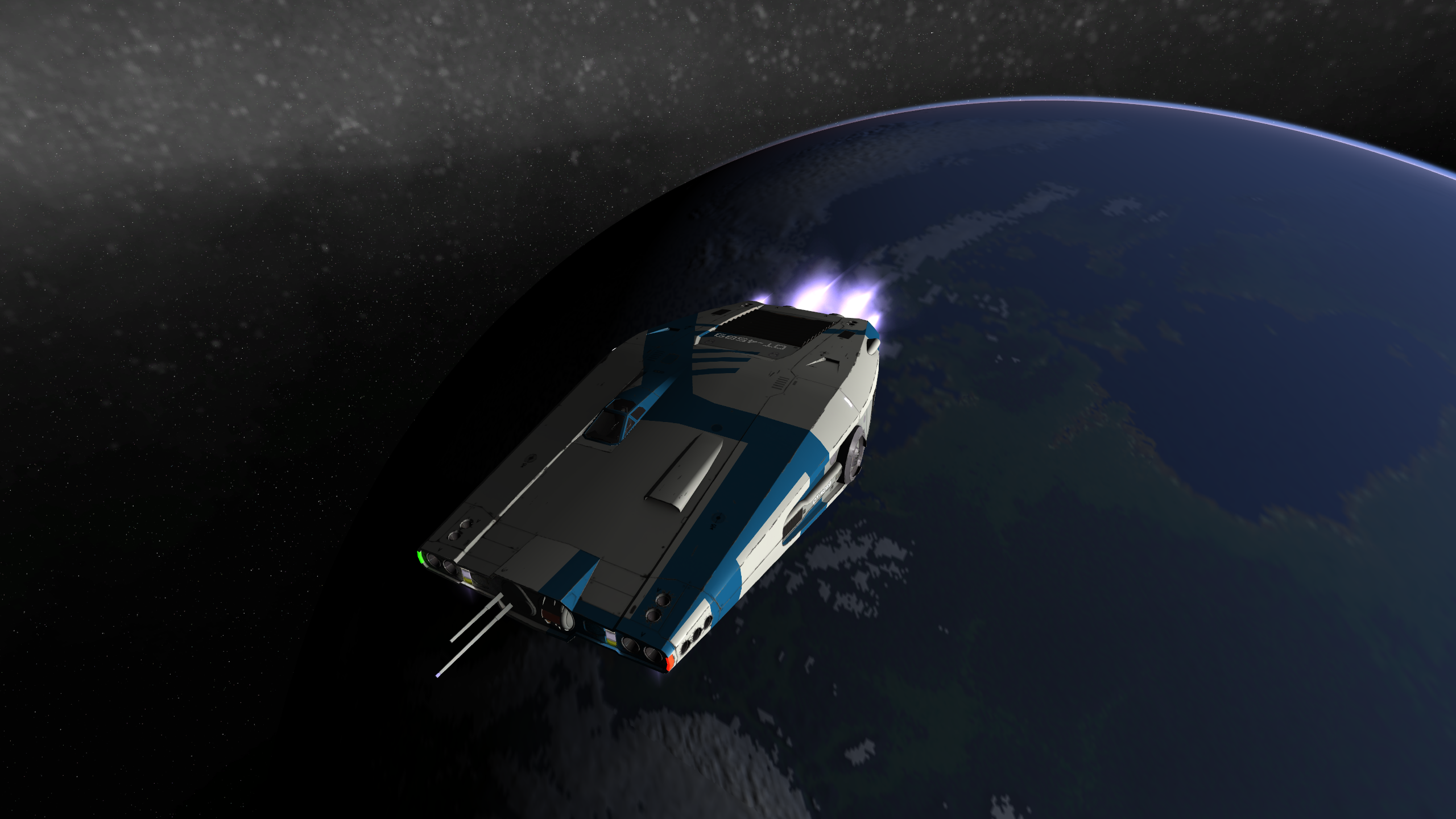
Ladies and gentlemen, I present you the reworked Sinonatrix:
I've put it on Sketchfab
Has 2048*1024 textures, all DDS.
The engine textures are half size. (Those have a bunch of unused space I have plans with. Also having the engine on a separate texture means it's easy to reuse later. The downside is that it can't be patterned currently.
Should do the same with the S1 docking collar later on.
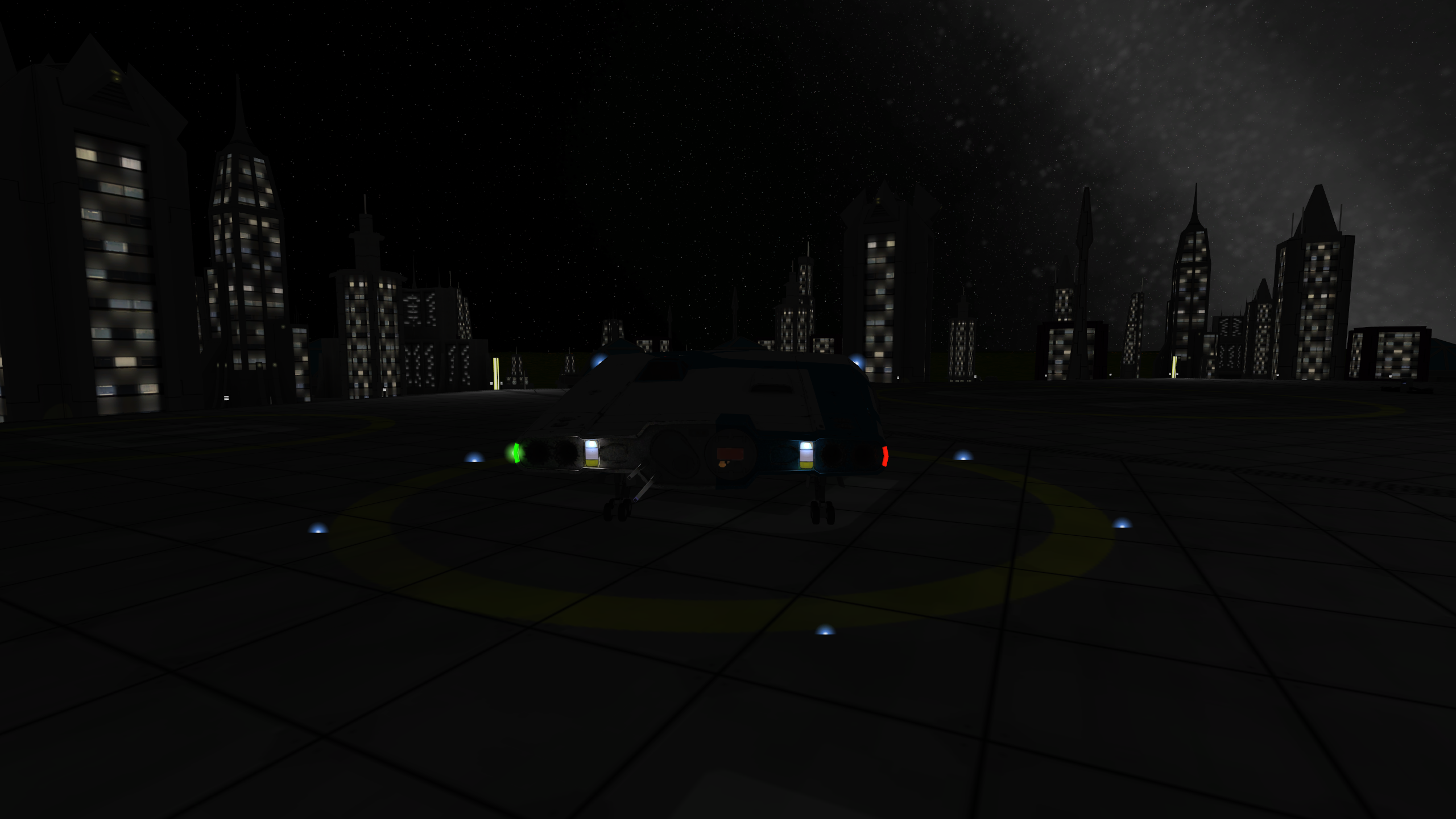
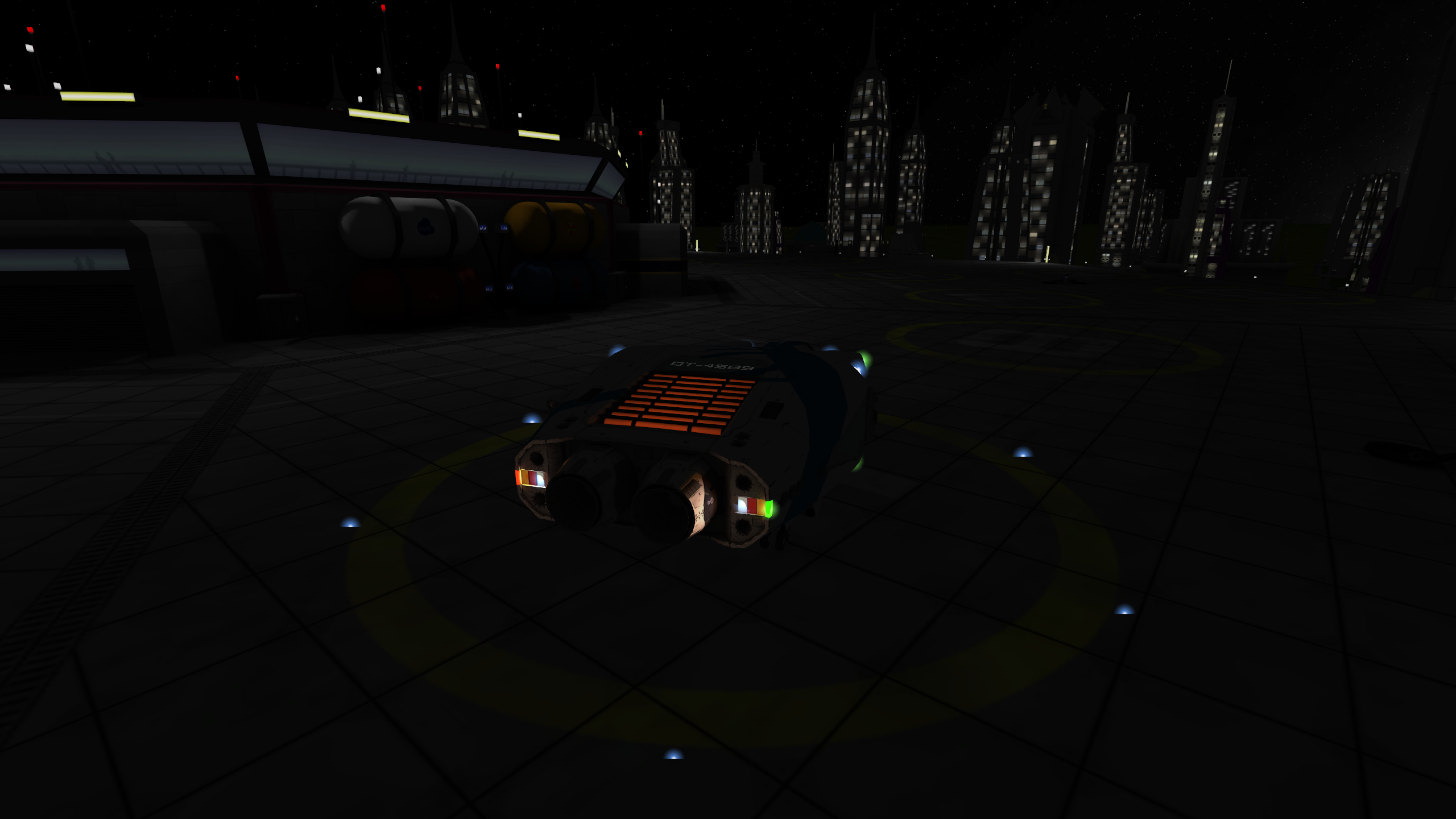
The glow texture has baked-in lighting from all the headlights and taillights.
The cockpit is a bit transparent, so if you squint, you'll see a little person sitting in there. The head and taillights have transparency as well, most visible when the ship is not in light.
It has two patterns, one I lifted from the old Sinonatrix, because I liked how it looked with the new UV coordinates. The second one paints the whole ship to a homogeneous color. I wanted to make a pattern that does that but with the first pattern, so you could have a base color other than white, but the DDS compression was abysmal on that for some reason, so that has to wait until I figure it out.
It has police texturing as well, as the old had.
It has relatively good visibility from the cockpit (already working on the cockpit model).
I did not touch the stats of it, the rebalance is better suited for that.
I know I already mentioned this, but I want to aim for this level of quality for the ships now on. I think I streamlined the texture creation process from decals as much as I could, so with the next ship, I want to document that and the general workflow.
And here are some more pictures, because pictures are nice, first the patterns from the modelviewer:
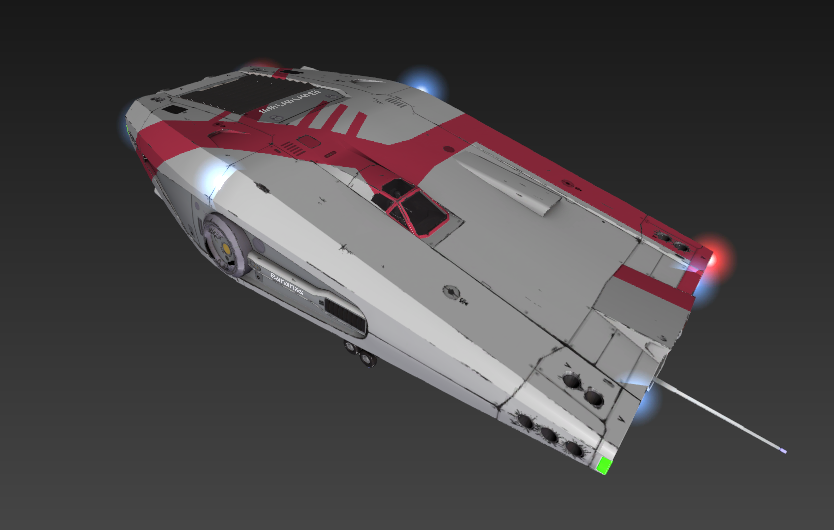
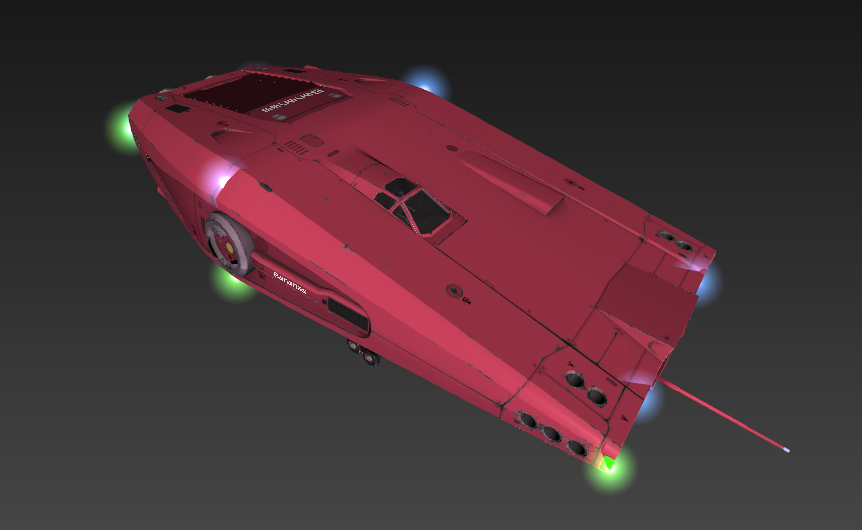
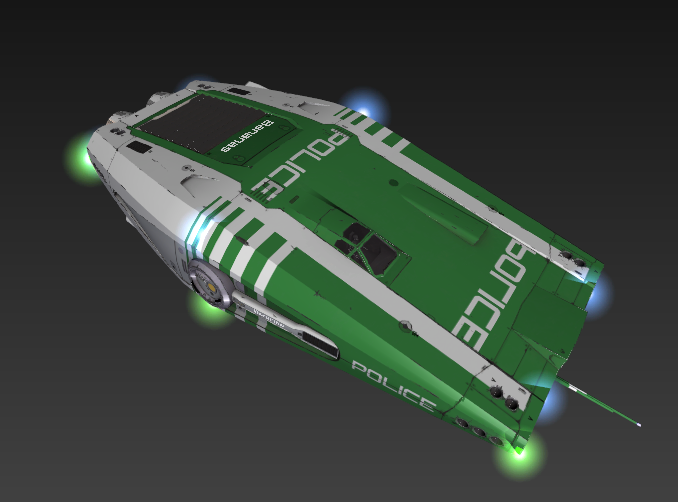
(Yes, it has the mirrored ƎƆI⅃Oꟼ text on the front, just for the fun of it. I know it doesn't make sense because there aren't any rear-view mirrors, but still, I think it's funny, and people are used to it. :) )
I've deleted the old files in the first commit, and the second one is where I add the new files.
And some renders from Blender:
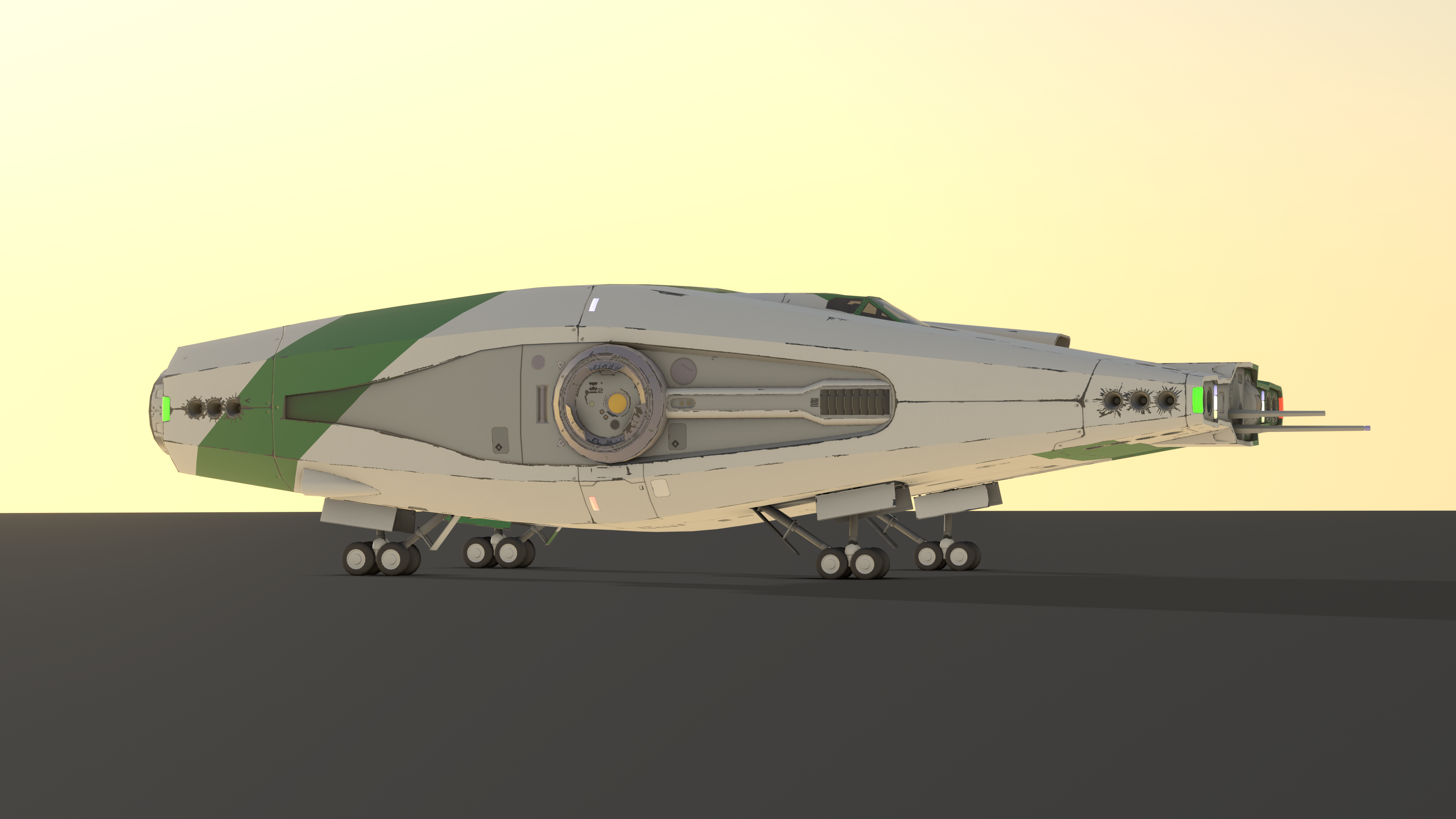
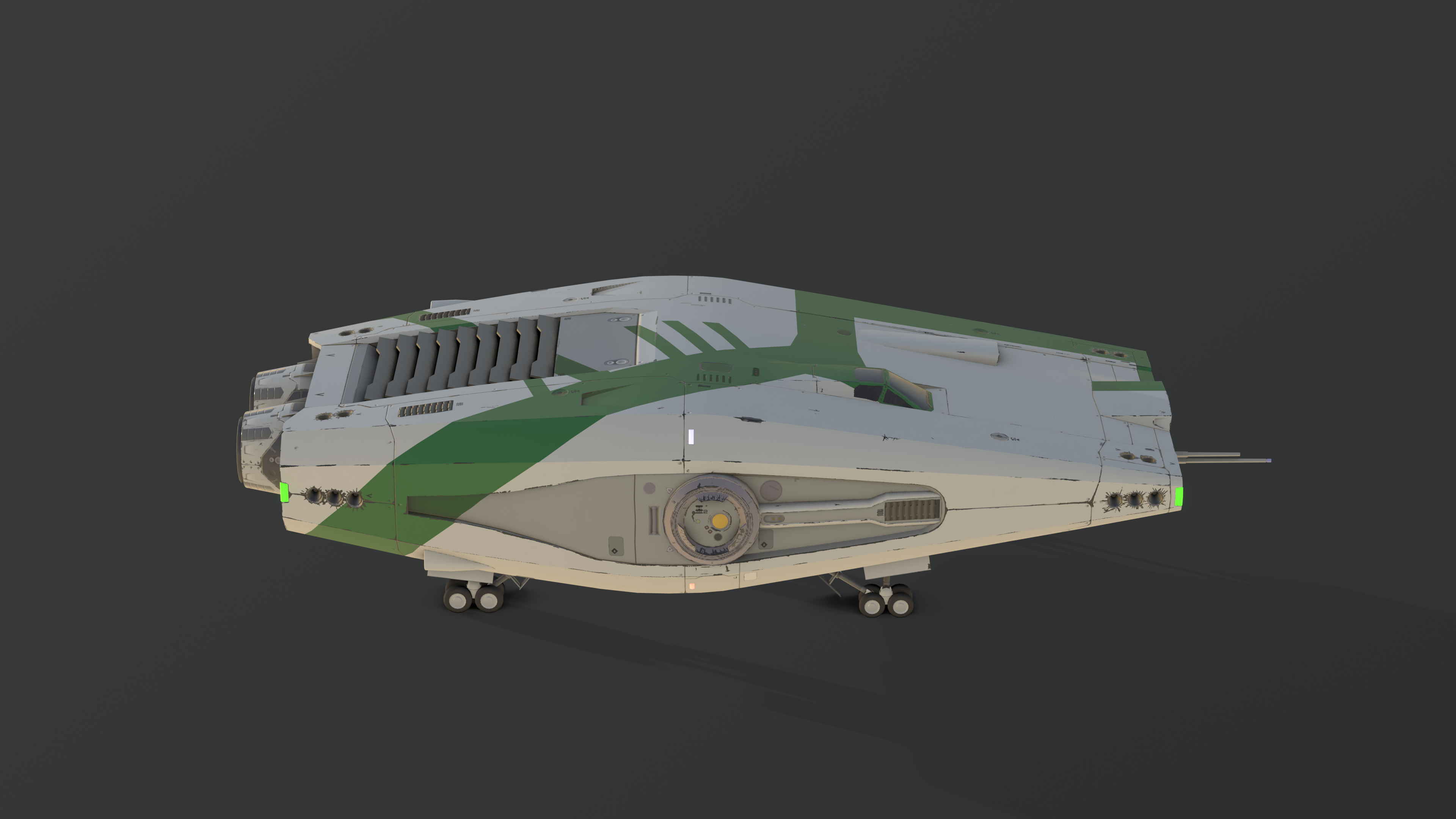
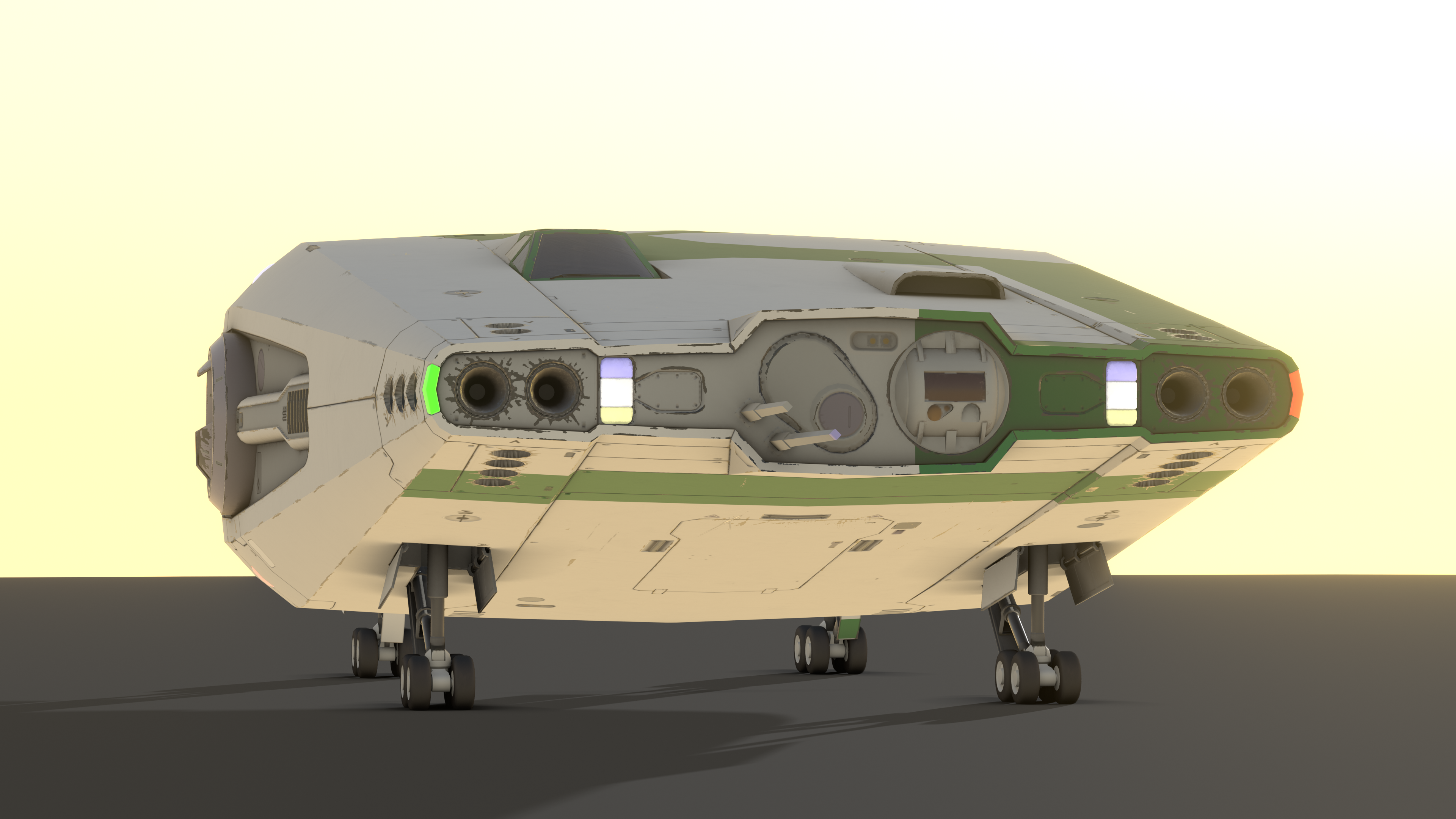
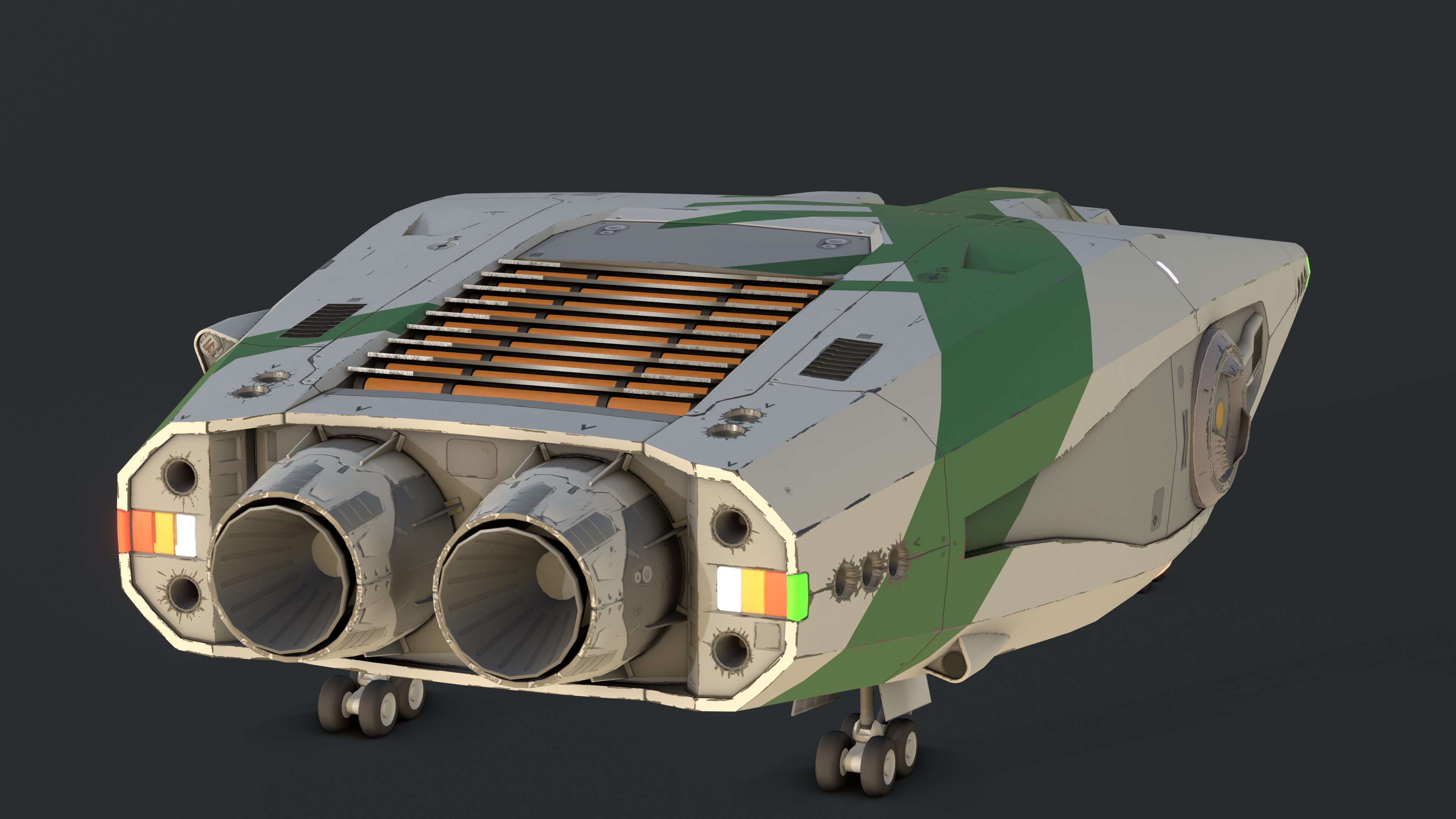
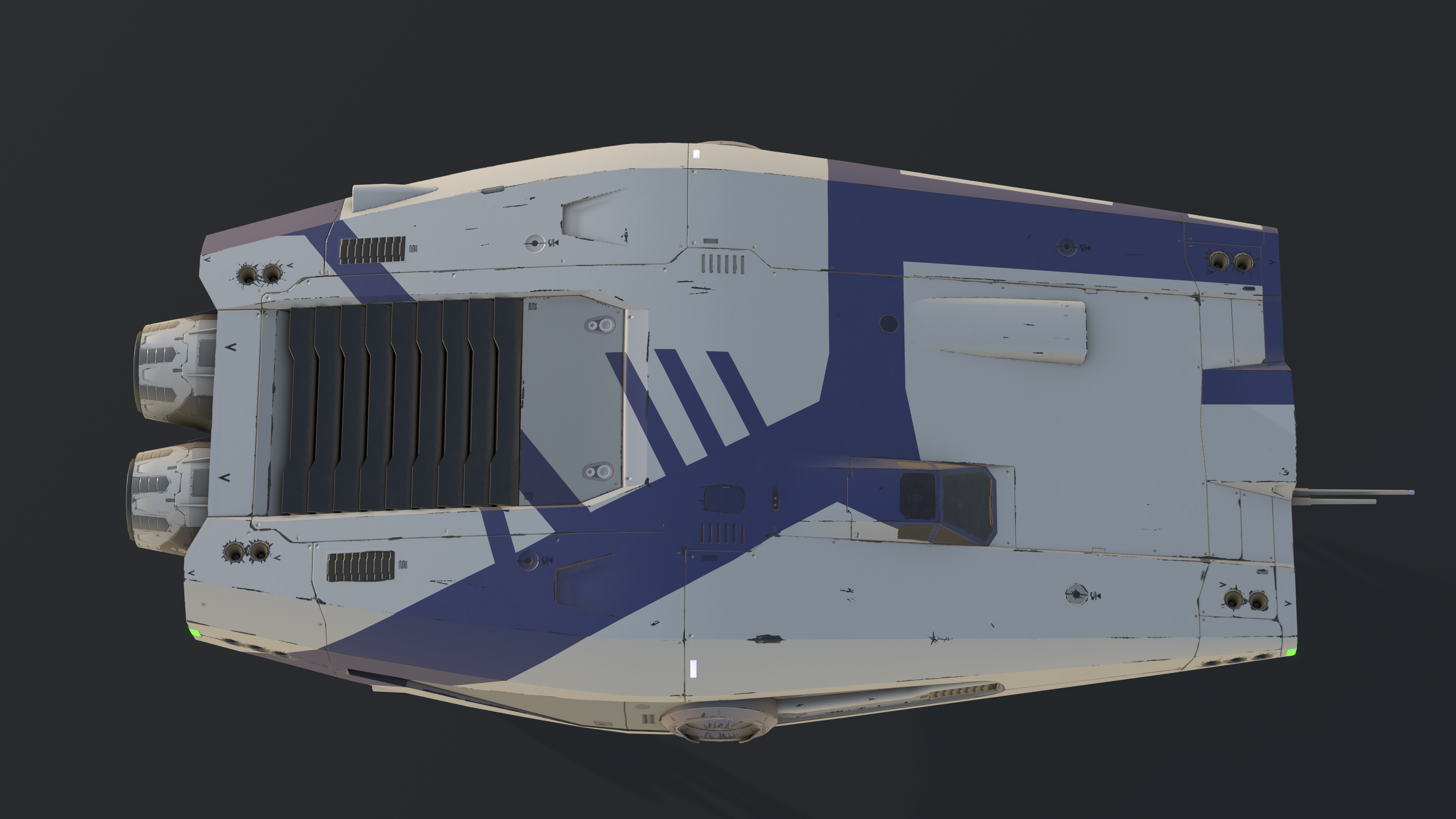
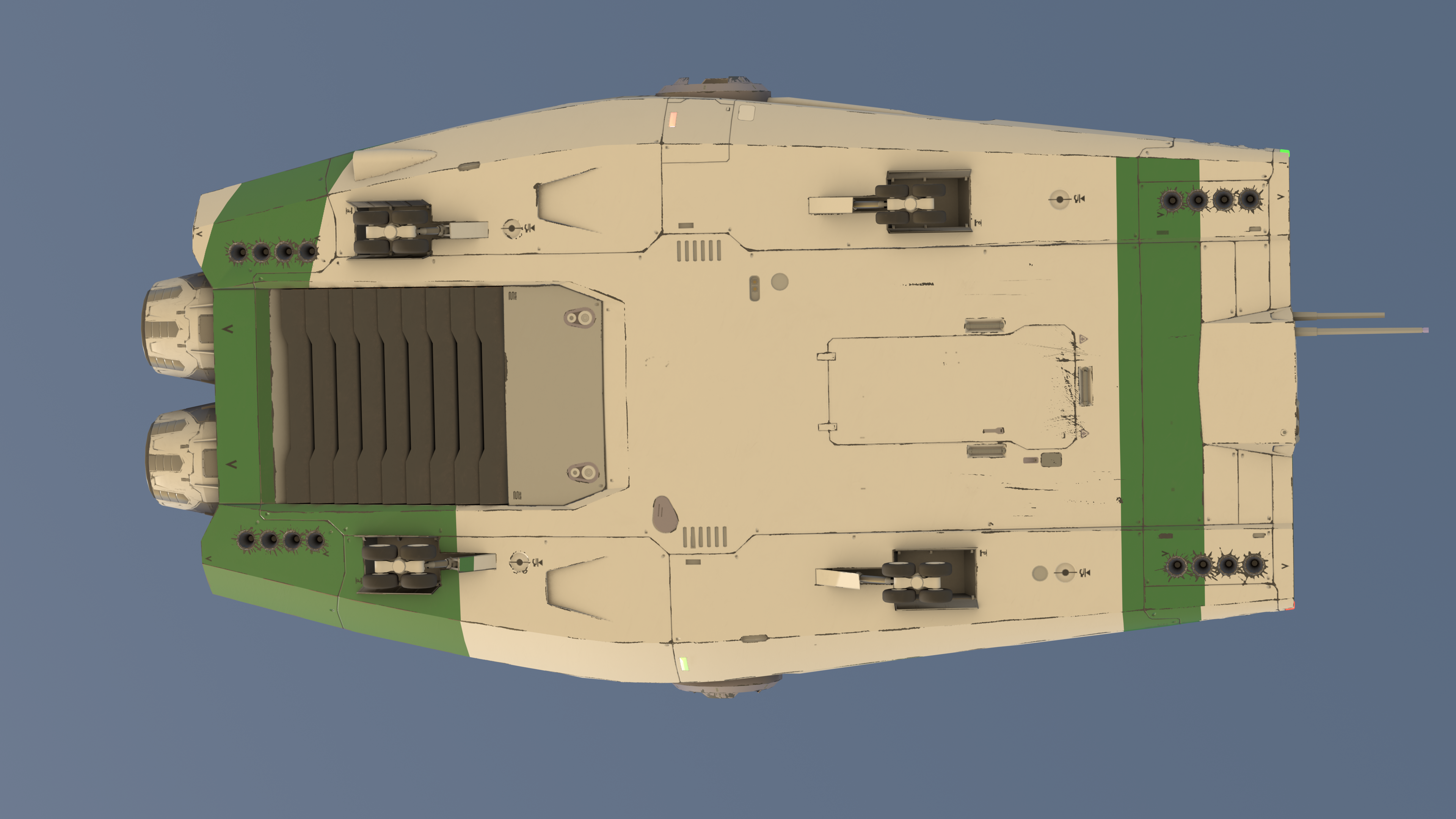
(The little guy stands exactly under the front right corner)
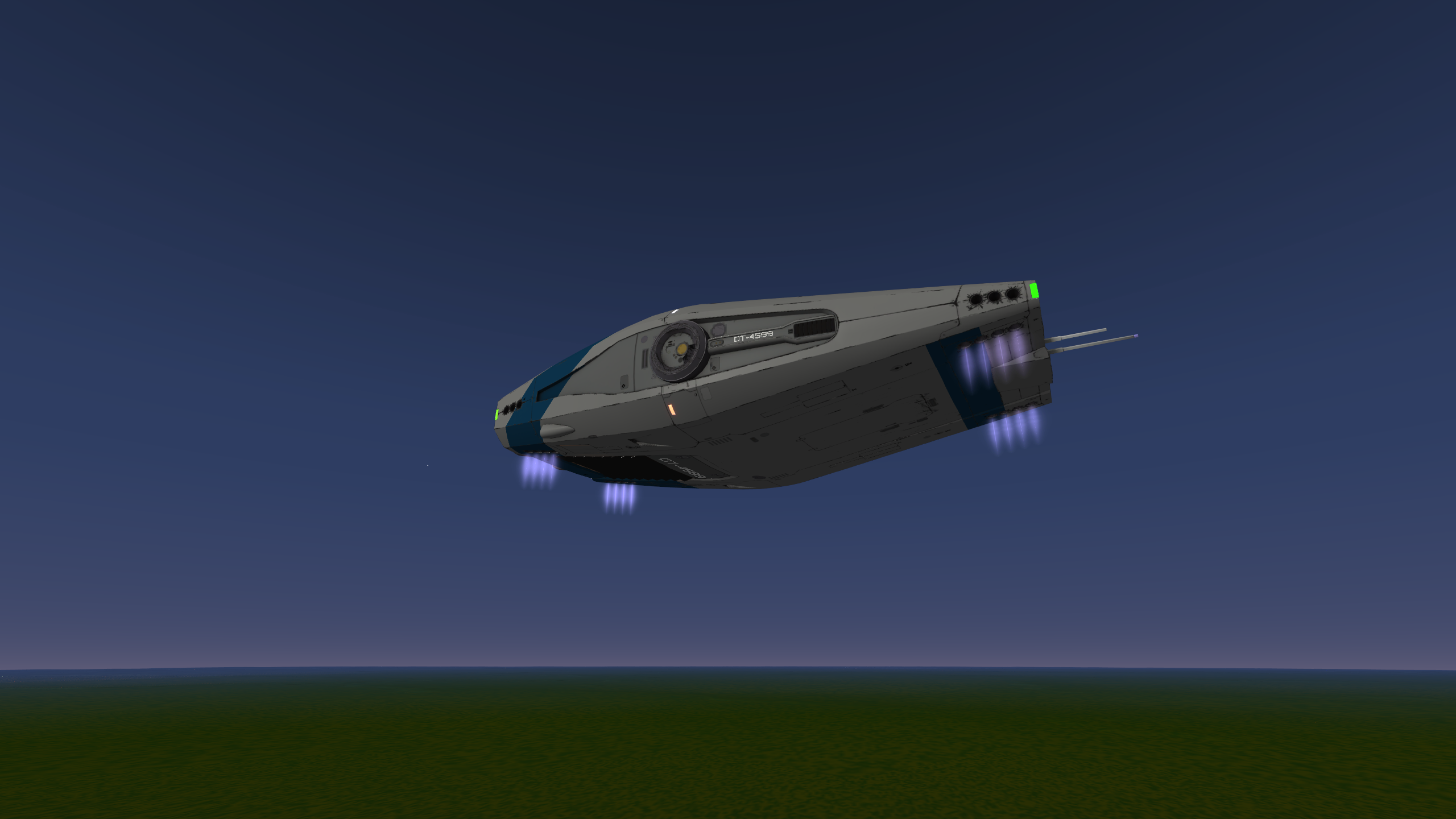
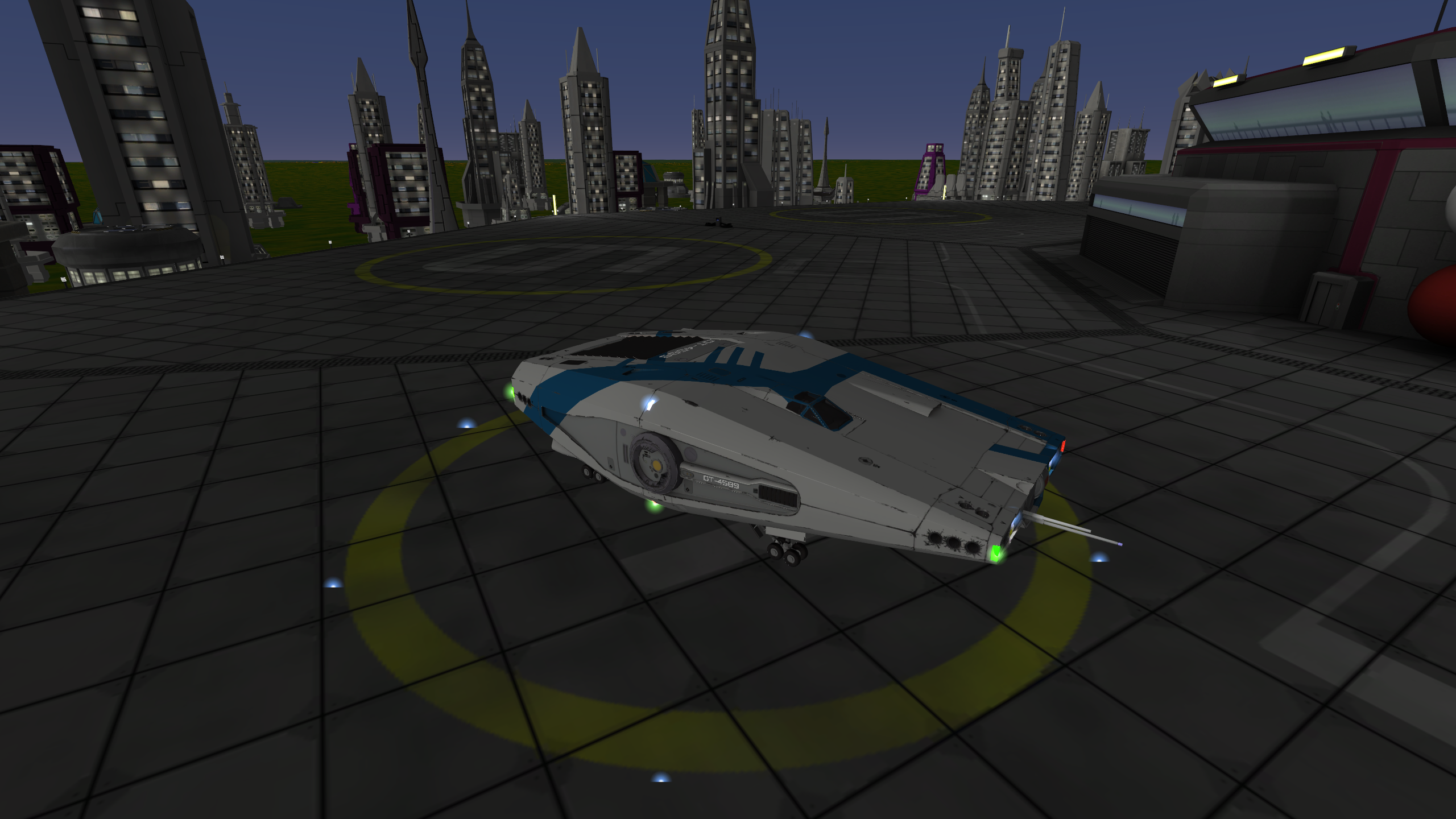
And some in-game screenshots: