

A Collection of Beginner Python Projects.
If you want to learn about python, visit here.
If you are new to Github and open source then, visit here.
-
Select an issue and ask to be assigned to it.
-
Check existing scripts in the projects directory.
-
Star this repository.
-
On the Python_Projects repo page, click the Fork button.
-
Clone your forked repository to your local machine. This button will show you the URL to run.
For example, run this command inside your terminal:
git clone https://github.com/<your-github-username>/Python_Projects.git
Replace <your-github-username>!
Learn more about forking and cloning a repo.
-
Before you make any changes, keep your fork in sync to avoid merge conflicts:
git remote add upstream https://github.com/Arindam200/Python_Projects.git
git fetch upstream
git pull upstream master
git push
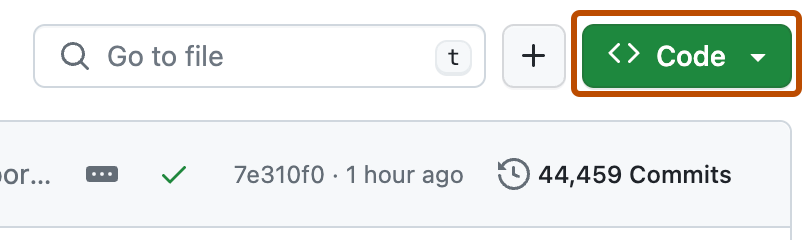
Alternatively, GitHub also provides syncing now - click "Fetch upstream" at the top of your repo below "Code" button.
-
If you run into a merge conflict, you have to resolve the conflict. There are a lot of guides online, or you can try this one by opensource.com.
-
Checkout to development branch (name your branch according to the issue name).
git checkout -b <branch-name>
-
Create a folder in projects directory according to issue name.
-
Write your code and add to the respective folder in the projects directory, locally.
-
Don't forget to add a
README.mdin your folder, according to the README_TEMPLATE. -
Add the changes with
git add,git commit(write a good commit message, if possible):git add -A git commit -m "<your message>" -
Push the code to your repository.
git push origin <branch-name>
-
Go to the GitHub page of your fork, and make a pull request:
Read more about pull requests on the GitHub help pages.
-
Now wait, until one of us reviews your Pull Request! If there are any conflicts, you will get a notification.


Python,Go,HTML,CSS
🧠 I'm currently learning Python and Go
💬 Ask me about Python
📫 How to reach me arindammajumder2020@gmail.com
😄 Pronouns He/Him
⚡️ Fun fact


Contributions are always welcome!
Please adhere to this project's code of conduct.
